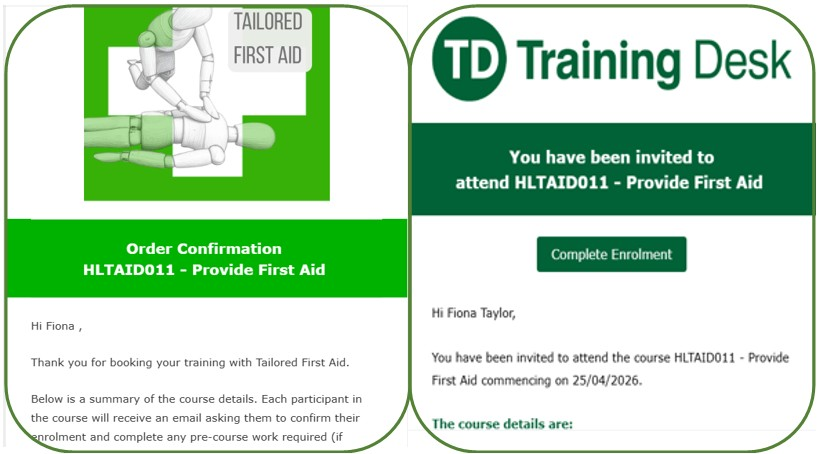
When you enrol in a course, you will get two emails. One is a welcome email, the other gives you a link to ‘complete enrolment’. When you click on this, it takes you to a login page.
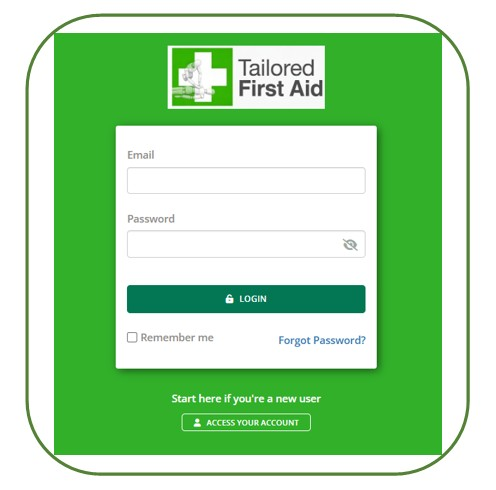
You can get to the training desk login page through your emails, or go to the training desk webpage:
If you have logged in before, you can type in your email address and password.
If you don’t have one, click ‘ACCESS YOUR ACCOUNT’. You will be prompted to type in your email and make an account.
If you can’t remember your log in details, click ‘Forgot Password?’ and enter your email address.

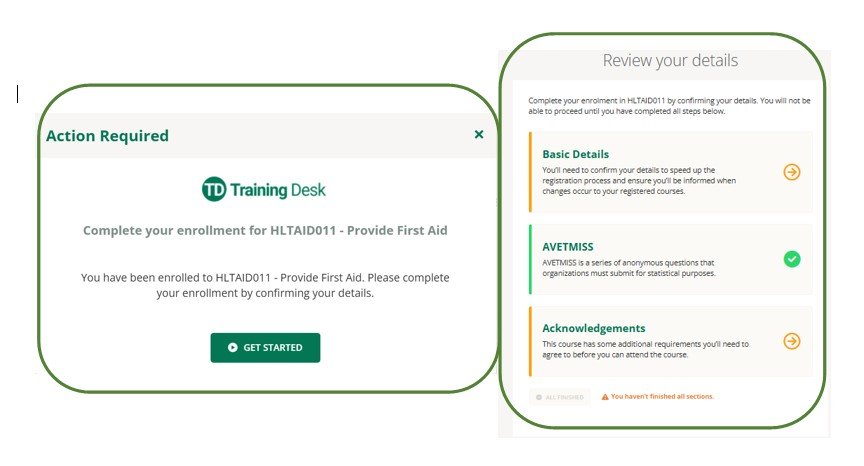
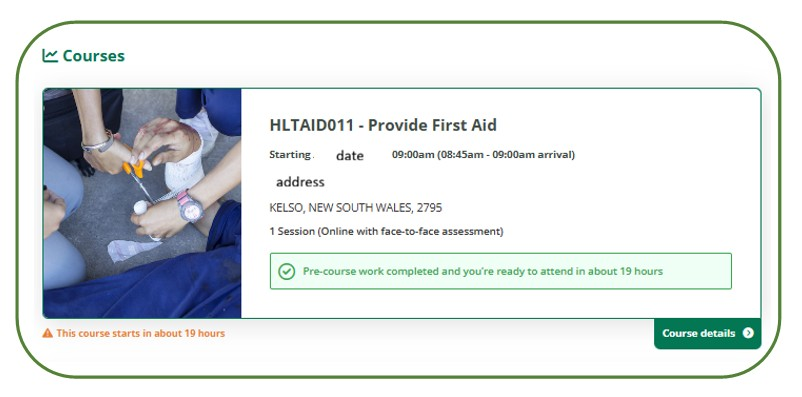
When you log in, you will arrive at the dashboard. There will be a prompt to take action in relation to your upcoming course. If you follow the prompts, it will lead you through the enrolment process and lead you to the online theory page.
Once there, you can click on the course and it will bring up a series of videos and questions to do. As you complete them, they will turn green.
Any tricky bits, let us know and we can help you sort it out 🙂
Book Online
Book online for the certification that you are looking for